Here are the Ultimate Guide to Setting Up Your Smart Home
Smart Homes have become popular as technology has advanced and more devices have become connected to the internet. Smart homes offer a range of benefits Click for More Information,
In This Blog, you will explore the steps to make your home smart.
Step 1: Choose a smart home platform
A Platform that will allow you to control all of your devices from one central location. Each platform has its own unique features and benefits, So it’s important to do your research which Platform is right for you. The most popular smart home platforms are
Amazon Alexa
Amazon Alexa is a virtual assistant developed by Amazon, designed to be used on various Amazon devices & Smart Phones.
Google Home
The Google Home is powered by Google Assistant, which is Google’s virtual assistant that can help you with a wide range of tasks
SmartThings
SmartThings is a home automation platform developed by Samsung. It allows users to connect and control various smart devices in their homes, such as lights, thermostats, speakers, security systems, and more, through a single app.
Control4
platform and company that provides a range of solutions for controlling and automating various smart devices in the home.Control4 also supports voice control through Amazon Alexa and Google Assistant
Apple Home
It allows users to control and automate various smart devices in their homes using their Apple devices, such as iPhone, iPad, Apple Watch, and HomePod
Step 2: Choose Smart Devices
Once you’ve chosen a platform, the next step is to choose Smart Devices throughout your home. Make sure your chosen hardware and software platforms are compatible with each other. The Following Smart Devices available on the market
- Smart Thermostats
- Smart Switches
- Smart Plugs& Sockets
- Smart Security Locks
- Security Camera
- Smart Smoke Detectors
- Smart Water Leak Detectors
- Smart TV & Display Units…….
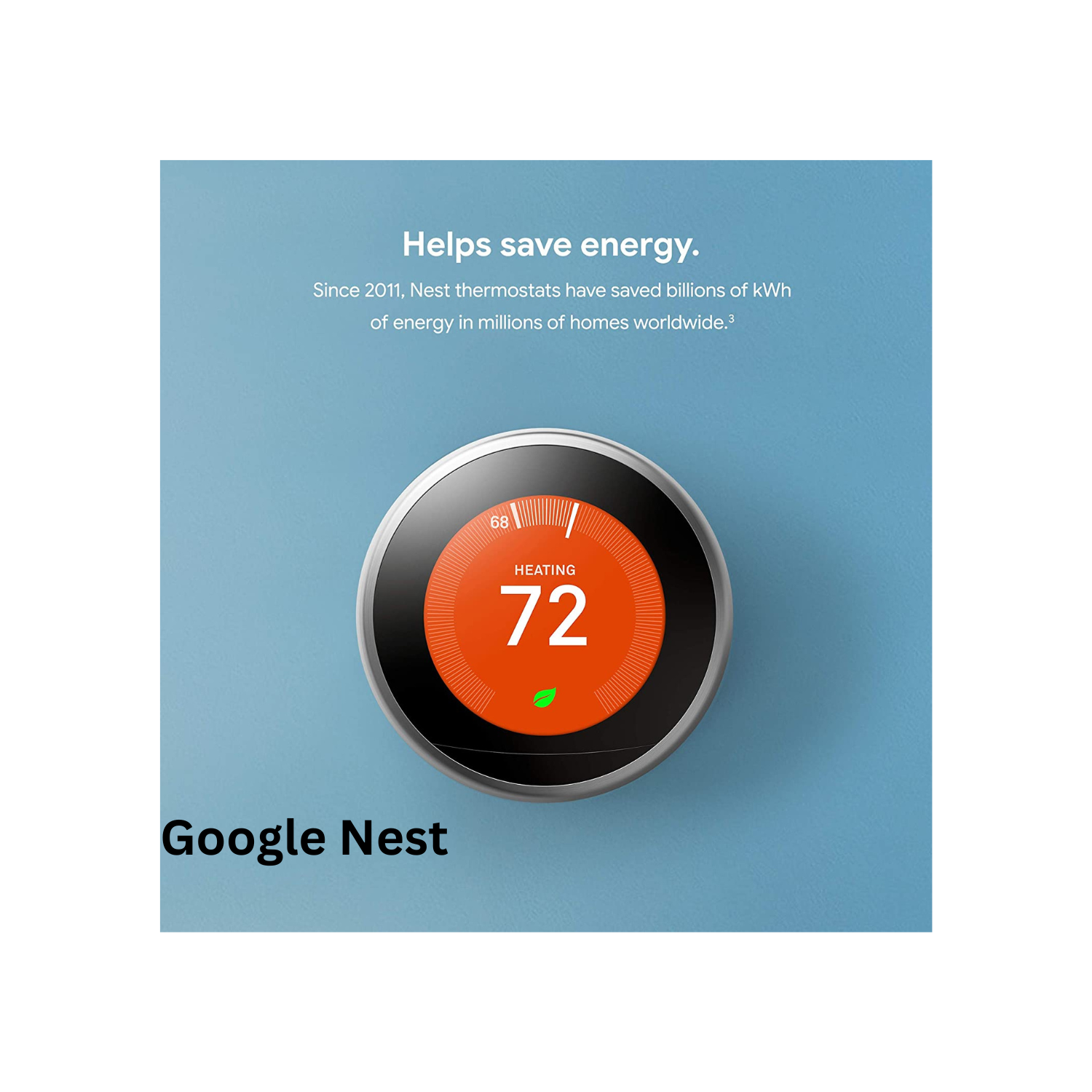
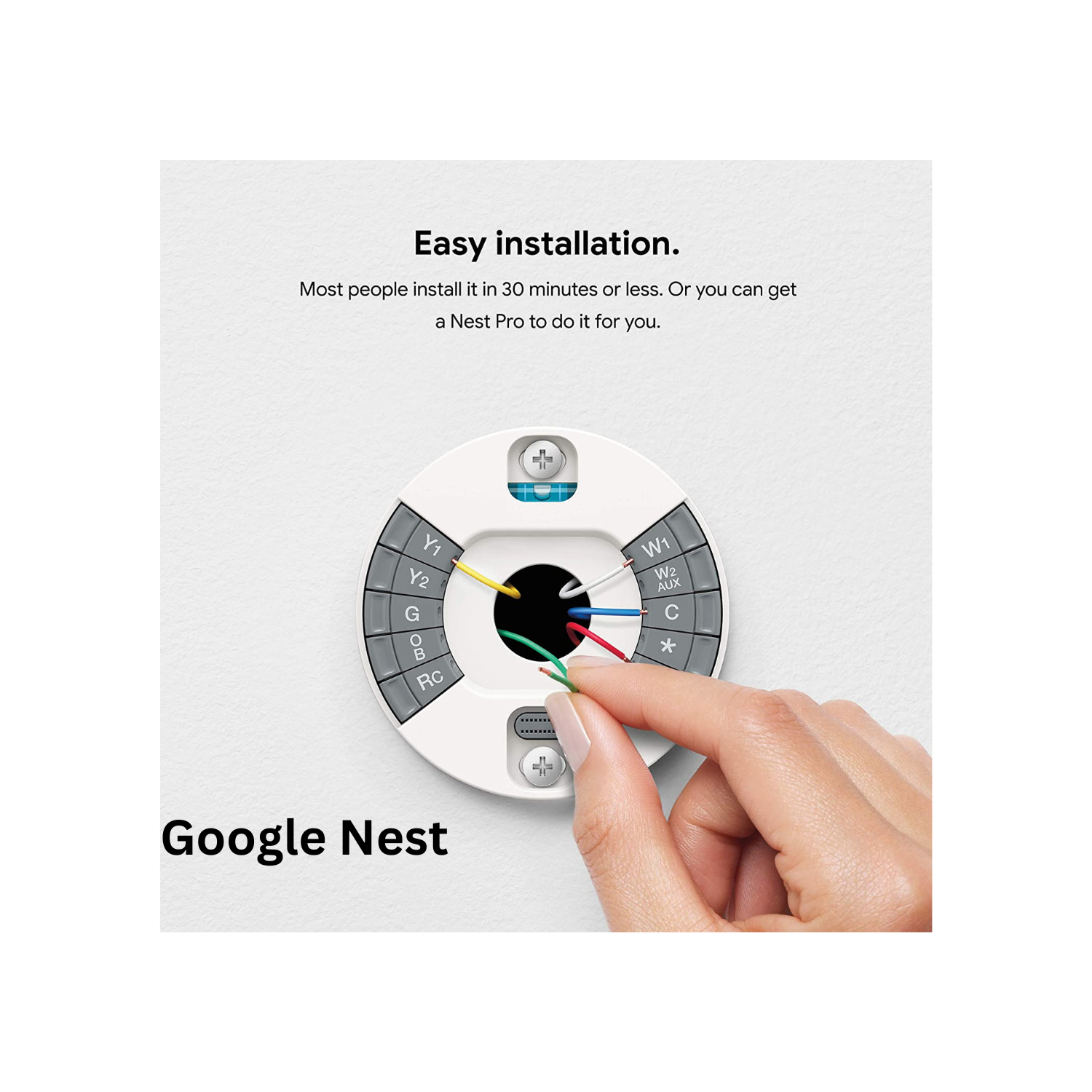
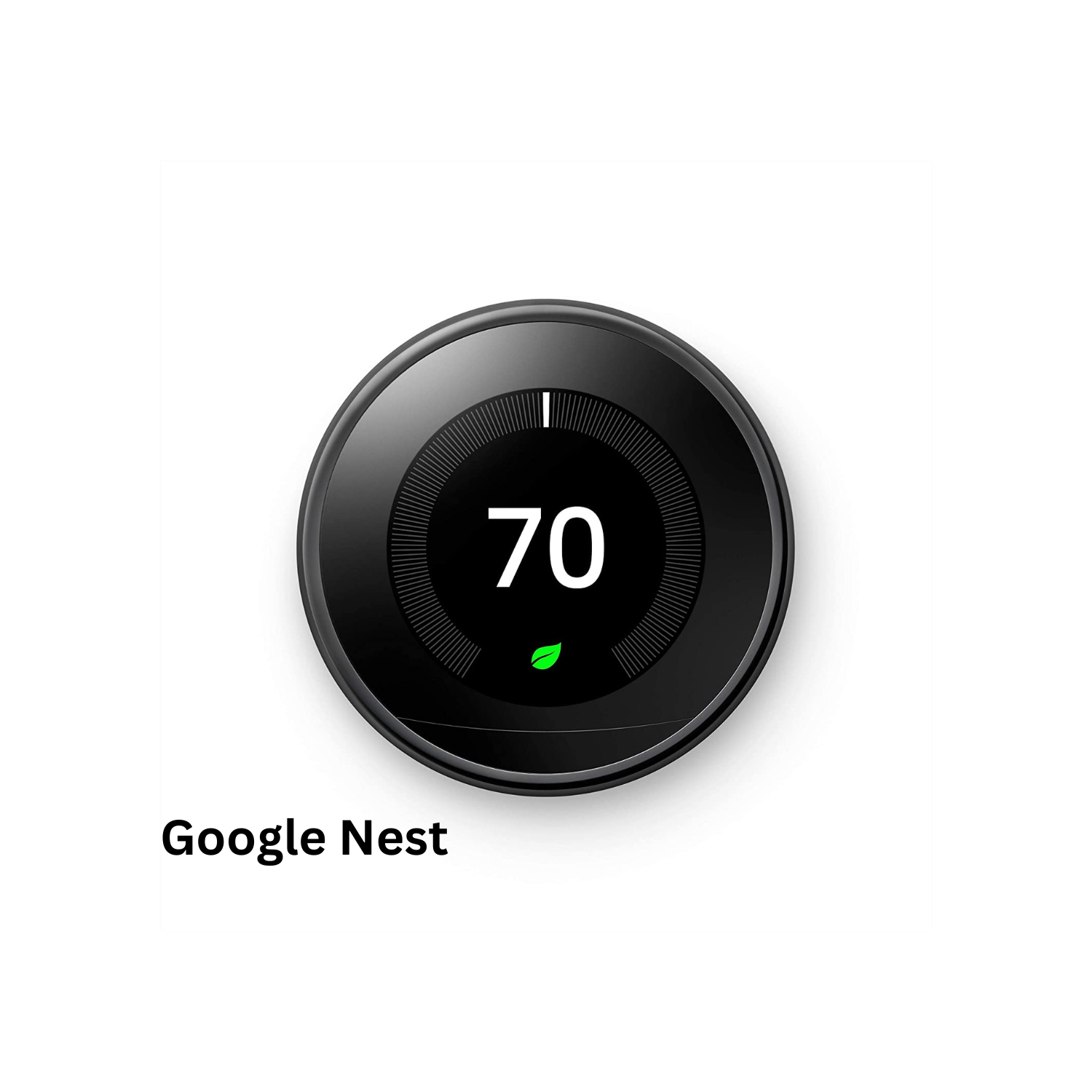
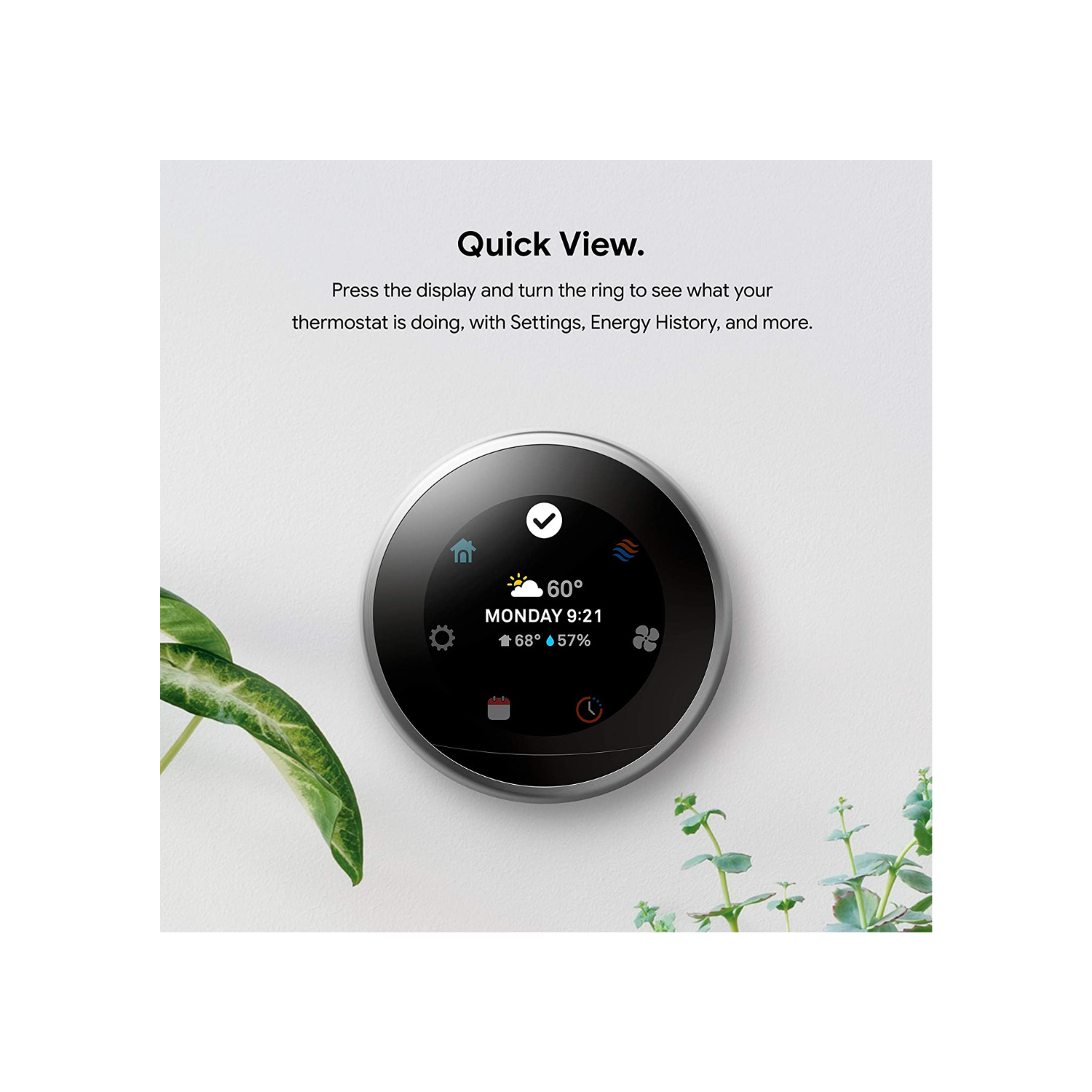
Smart Thermostats
can be controlled remotely through a smartphone, tablet, or other internet-connected device. Smart thermostats typically have features that make them more energy-efficient and user-friendly than traditional thermostat
Google Nest
google Nest
Google Nest
Smart Thermostat
Google Nest
Please click to view the current price.
Planning Your Smart Home Before You Buy
Choosing a platform and a list of devices is the start. Most smart home problems come from poor planning: switches that do not fit, weak Wi-Fi, and devices that stop working when the internet goes down. Spend an hour on the plan below before buying anything.
1. Decide what you want to automate
Walk through the home room by room and write down real needs, for example: lights off when everyone leaves, AC control from the phone, a leak alert under the kitchen sink, or a camera at the main door. Start with the rooms you use most and add more later.
2. Choose the communication protocol
| Protocol | Typical use | Notes |
|---|---|---|
| Wi-Fi | Cameras, plugs, displays | No hub needed, but many devices can load the router. |
| Zigbee | Sensors, switches, bulbs | Low power mesh network; needs a hub or bridge. |
| Z-Wave | Sensors, locks, switches | Mesh network; frequency differs by region, so buy the version approved for your country. |
| Thread / Matter | New devices across brands | Matter aims to let devices work with several platforms; check the device and hub both support it. |
| Wired (e.g. KNX) | New villas and full renovations | Very reliable but needs planning before plastering. |
3. Check the electrical side
- Many smart wall switches need a neutral wire in the switch box. Older installations often have only live and switched live.
- Smart switch modules are deeper than normal switches. Check the back box depth before ordering.
- Confirm devices are rated for the local supply. In Saudi Arabia the standard supply is 230 V, 60 Hz.
- Check the load rating of smart switches and plugs, especially for heaters, water pumps and AC units.
4. Prepare the network
- Make sure Wi-Fi covers every room where a device will go. A mesh Wi-Fi system or wired access points help in villas with concrete walls.
- Where the router allows it, put smart devices on a separate guest or IoT network to keep them apart from laptops and phones.
- Connect the router and hub to a small UPS so automations keep working during short power cuts.
Worked Example: A Three-Bedroom Apartment
Here is a simple starter plan for a three-bedroom apartment, using one platform and a Zigbee hub:
| Area | Devices | Automation |
|---|---|---|
| Entrance | Smart lock, door sensor, Wi-Fi camera | Notification when the door opens while nobody is home |
| Living room | Smart switches, motion sensor, IR blaster for AC and TV | Lights on at sunset; AC off when no motion for a set time |
| Kitchen | Water leak sensor, smart plug | Phone alert on leak |
| Bedrooms | Smart switches, temperature sensor | “Good night” scene turns off all lights |
This plan uses about 15 to 20 devices. Most are Zigbee, which keeps the Wi-Fi load low, and the mains-powered switches act as repeaters for the battery sensors.
Installation Checklist
- Switch off the circuit breaker before replacing any wall switch, and test that the circuit is dead.
- Label wires before disconnecting the old switch.
- Install the hub in a central location, away from metal cabinets.
- Add mains-powered devices first, then battery sensors, so the mesh network is built first.
- Name each device by room and function, for example “Kitchen Ceiling Light”.
- Update firmware and change default passwords.
- Test each automation, including what happens when the internet is off.
If you are not trained in electrical work, use a qualified electrician for wiring changes.
Common Mistakes to Avoid
- Mixing many brands and apps with no single platform to control them.
- Buying smart switches without checking for a neutral wire.
- Relying only on cloud control, so nothing works when the internet is down.
- Using a smart smoke detector as a replacement for a required fire alarm system. It can add alerts to your phone but does not replace code requirements.
- Leaving cameras and hubs on default passwords.
Frequently Asked Questions
Do I need a hub for a smart home?
Not always. Wi-Fi devices work without one. Zigbee and Z-Wave devices need a hub or bridge, which some smart speakers and displays include.
Can I make a rented apartment smart?
Yes. Smart plugs, bulbs, battery sensors and IR blasters need no wiring changes and can be removed when you move.
Will my smart home work without internet?
It depends on the platform. Some hubs run automations locally; others need the cloud. Check this before buying if reliability matters to you.
Which platform is best?
There is no single best one. Choose the platform that matches the phone and voice assistant you already use, and check that the devices you want are supported.
Related tools
For free design calculators and planning tools for CCTV, network and fire alarm systems, visit the techubox.com tools page.